My mom has an iPhone 8. She has had it since a Christmas I can actually picture, and she is not interested in a new one. It works. It makes calls. It shows her the grandkids. When I floated the idea of upgrading her, she gave me a look I have been getting my whole life, the one that means why are you creating a problem where there isn't one.
And then a few weeks ago somebody at church told her that her phone was "not safe anymore." That it was too old. That she could get hacked.
She called me about it, worried, and I did what I always do, which is go look it up myself instead of trusting what somebody's nephew said. I expected to find that she was right and the church friend was wrong, or the other way around, and I would have a clean answer either way.
What I found was stranger than that, and honestly it flipped the thing I assumed was true. Granted, I have been writing about this stuff for a while and I still had it backwards. So if you have an older iPhone in your pocket right now, or you are the person everyone calls about these things, this one is worth ten minutes.
The Two Words Apple Uses
Apple sorts its old products into two buckets, and the words are doing more work than they look like they are.
Here is Apple's own language. A product is "vintage" when Apple "stopped distributing them for sale more than 5 and less than 7 years ago." A product is "obsolete" when Apple "stopped distributing them for sale more than 7 years ago."
Those are not marketing words. They are repair words. They describe what Apple will do for you when you walk into a store with a broken phone.
For anything current, Apple says it provides service and parts "for a minimum of 5 years from when Apple last distributed the product for sale," and that service and parts "may be obtained for longer, as required by law or for up to 7 years, subject to parts availability."
That phrase — subject to parts availability — is the whole ballgame for vintage. It means maybe. It means they will look.
For obsolete, there is no maybe. Apple's wording is flat: "Apple discontinues all hardware service for obsolete products."
All. Not "limited." Not "subject to." All.
So that is the ladder. Current, then vintage where a repair depends on whether the part exists on a shelf somewhere, then obsolete where the Apple Store is simply no longer a place you can bring that phone.
The Part That Surprised Me
Now here is where I had it backwards, and I think most people do.
I assumed these two things moved together. That when Apple stopped repairing a phone, it had also stopped protecting it — that "we won't fix it" and "we won't patch it" were the same announcement, more or less, and that a phone on the obsolete list was a phone quietly leaking your bank login.
That is not what is happening. Not even close.
Apple publishes every security update it releases, with the date and the exact list of devices it covers. I went and read the actual table. Here is what is on it.
On May 11, 2026, Apple released iOS 15.8.8. The devices it lists, in Apple's own words, include "iPhone 6s (all models), iPhone 7 (all models), iPhone SE (1st generation)" — along with some old iPads and an iPod touch.
The same day, iOS 16.7.16 went out, listing "iPhone 8, iPhone 8 Plus, iPhone X" among its devices.
And on August 17, 2026 — about two weeks before I sat down to write this — iOS 18.7.10 went out, listing "iPhone XS, iPhone XS Max, iPhone XR."
Read those model names against the repair lists and you get something genuinely odd. The iPhone X is obsolete. Apple will not do any hardware service on it at all. And Apple patched it in May.
An iPhone that Apple has already declared too old to distribute, in some configurations too old to even service, got a security update this year.
So the two things do not move together at all. Apple stops repairing the hardware years before it stops patching the software. My mom's iPhone 8 is on a list that says the Apple Store may or may not be able to fix it — and it is also on a list that says Apple was still sending it security fixes in May.
The church friend had it exactly upside down. The phone is not the security problem. I know how it sounds coming from the guy who writes the technology column, but her phone is probably fine, and the thing that will actually end its life is a battery.
But "Still Patched" Is Not "Still Current"
I have to say the other half of this, because if I stop at the good news I have told you something false.
These older phones are not running the newest iOS. The current version is iOS 26.6.1, released August 17, 2026, and Apple lists it for "iPhone 11 and later." Everything older sits on a frozen branch — that is what those 15.8, 16.7 and 18.7 numbers are. Those branches get security fixes, not new features.
And Apple is not the only one who gets a vote. App makers set their own floors. Your bank, your pharmacy, your airline can decide to stop supporting an old iOS version whenever they like, and when that happens the app just stops updating on you. Apple patching the phone does not prevent that.
So: still safe, genuinely. Still current, no.
The List, and the Strange Thing About It
Here is where it gets almost funny. I pulled Apple's actual lists, and the same phone can sit on both sides of the line.
| Your phone | Apple's status | What that means for a repair |
|---|---|---|
| iPhone 6s — 16GB, 64GB, 128GB | Vintage | Maybe, if the part exists |
| iPhone 6s — 32GB | Obsolete | No Apple service at all |
| iPhone 7 and 7 Plus | Vintage | Maybe, if the part exists |
| iPhone 8, 8 Plus — 64GB, 128GB, 256GB | Vintage | Maybe, if the part exists |
| iPhone 8, 8 Plus — (PRODUCT)RED | Obsolete | No Apple service at all |
| iPhone X | Obsolete | No Apple service at all |
| iPhone XS and XS Max | Vintage | Maybe, if the part exists |
| iPhone SE (1st generation) | Obsolete | No Apple service at all |
Look at the 6s rows. Same phone, same year, same everything — and the 32GB one is obsolete while the 64GB one is not.
Look at the iPhone 8 rows. If your iPhone 8 is the red one, Apple has stopped servicing it. If it is any other color, they have not.
Two phones can sit next to each other on a kitchen table, look identical to anybody who is not holding a magnifying glass, and only one of them can be brought in for a repair. I do not have a good explanation for this beyond the fact that Apple stopped selling particular configurations on particular dates, and the list follows the dates rather than the phone. But it does mean that "I have an iPhone 8" is not enough information to know where you stand. You need the storage size and the color.
And one more, because it is the one that makes people laugh when I tell them: the iPhone X is obsolete, and the iPhone XS — which sounds newer and is newer — is only vintage. The one that sounds older outlived it.
So What Actually Breaks First
In my experience helping my parents and a lot of other people's parents, it is almost never the software. It is the battery.
Batteries wear out on a schedule that has nothing to do with how careful you are. The phone starts shutting down while the battery still claims it has charge left. It dies in the cold. It cannot make it from lunch to dinner. That is the failure that ends most of these phones, and it is a hardware failure, which puts you squarely into the vintage-or-obsolete question above.
I should be straight with you about one thing I could not pin down. Apple discontinuing service is not the same as no repair existing. Independent repair shops work on old iPhones every day, using third-party or salvaged parts. But I could not verify, model by model, what a given shop can actually get right now or what they would charge — so I am not going to pretend I know. If your phone is on the obsolete list, the honest answer is that Apple is out and a local shop is a real maybe, and the only way to find out is to call one and ask.
What I can tell you is that Apple's do-it-yourself route does not help here. Their Self Service Repair store only ever covered fairly recent models, and none of the phones on the vintage or obsolete lists are in it.
What I'd Do This Weekend
Twenty minutes, a cup of coffee, and the phone in your hand.
One: find out exactly what you have. Not "an iPhone 8." Open Settings, tap General, tap About. You want the Capacity — that is your storage size — and the model. Write down the capacity, the model, and the color of the phone in your hand. Fair warning, and it is a little bit funny given the subject: on the older versions of iOS these phones run, that model line may show you a part number rather than a friendly name. If that is what you get, the capacity plus the color is enough to place you. Given those 6s and (PRODUCT)RED splits, those two details are the difference between "they can look at it" and "they cannot touch it."
Two: check it against Apple's list. Search for "Apple vintage and obsolete products." It is Apple's own page and it is updated as models age off. Find your exact model and capacity.
Three: if it is vintage, this is your window. Vintage means maybe, while parts last — and parts do not come back. If the battery has been getting worse, that is an argument for doing it now rather than next year. Not panic, just sequence.
Four: if it is obsolete, do not panic either. Your phone is not unsafe — Apple was still patching most of these phones this year. What you have lost is the Apple Store as a repair option. Call a local shop before you decide anything, and let a working phone keep working.
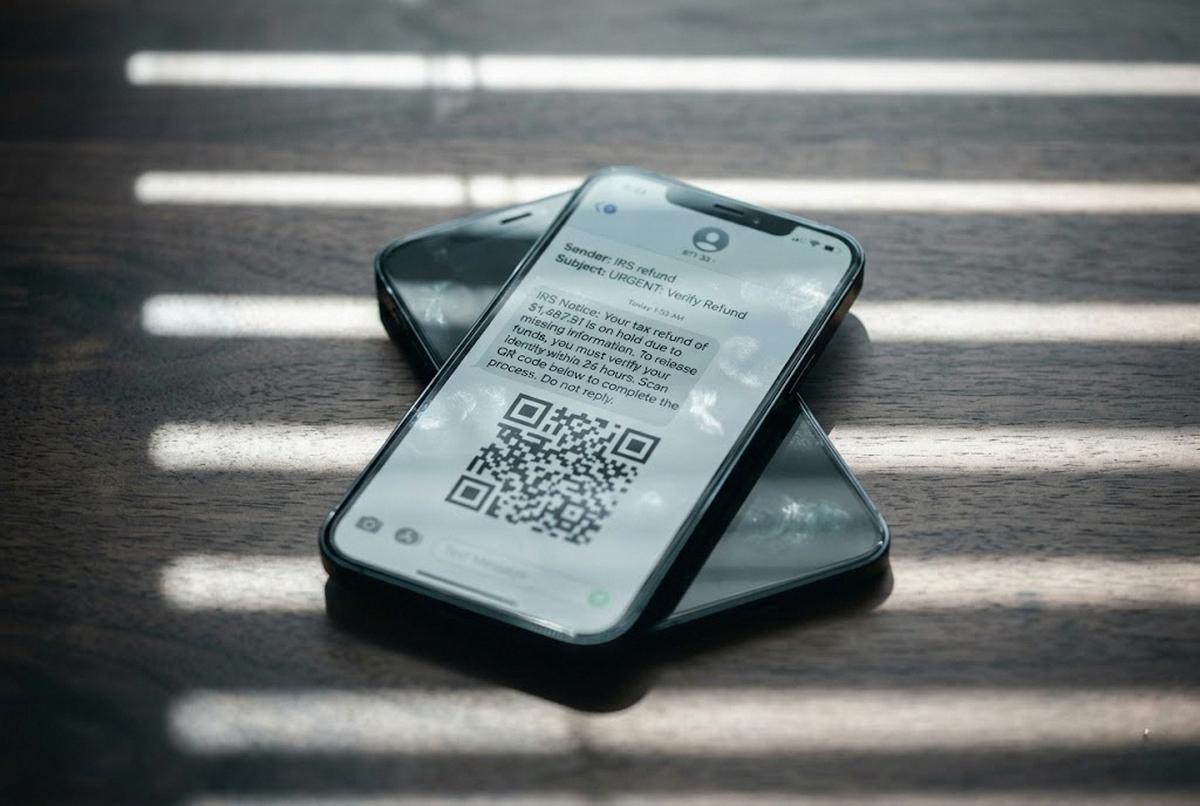
Five, and this is the one that actually protects you: the security of that phone was never mostly about its age. It is about whether two-step verification is turned on, and whether you can spot the text that is trying to get you to tap something. That is where the risk lives. It was never the model number.
What I Told My Mom
I called her back and told her the church friend was wrong, but wrong in an interesting way, and I could hear her deciding whether to be smug about it.
Her phone is fine. It got a security update in May. What it has is a battery with a finite number of days left in it, and an Apple Store that will help her with that only while a part happens to exist. So we are going to go get the battery looked at, not because anything is broken, but because the window is open now and it will not be open forever.
Granted, I am not the master of any of this. I got the whole thing backwards until I went and read Apple's own pages, and I do this for a living. If somebody told you your phone is not safe anymore, go check the two lines in Settings before you spend six hundred dollars on their say-so. Your phone might have years left in it.
Mine did. Hers does.